


 Apple Podcasts
 Spotify
 Overcast
 Pocket Casts
 Castro
 RSS
RSS

Productivity is highly personal. Start using Morgen Assist and Fastmail together in under 5 minutes and begin smart scheduling in your calendar.


Today we are introducing new plans and pricing for new Fastmail customers, offering prices in many global currencies and launching some great deals to get your whole family on Fastmail.

Looking for a way to upgrade your inbox? Fastmail’s productivity features help you simplify your workflow and save time.
Fastmail is a secure, privacy-first email service that has been serving users since 1999. If you're considering migrating from Skiff, you're in the right place!

Fastmail’s open API makes creating new and exciting tools easy for email enthusiasts.
At the beginning of December, we announced the return of Fastmail Advent. Please enjoy this wrap-up of our staff members’ responses.

Many years ago, on December 25th, 2015, I wrote a blog post.


For twenty years and counting, we have been committed to improving our users’ email experience.

When mail is delivered to you, you can move it to a folder, send a copy to another address, or delete it.

Fastmail customer, Xavier, gets the most out of his email account by using Fastmail Identities, Aliases, and Masked Email!
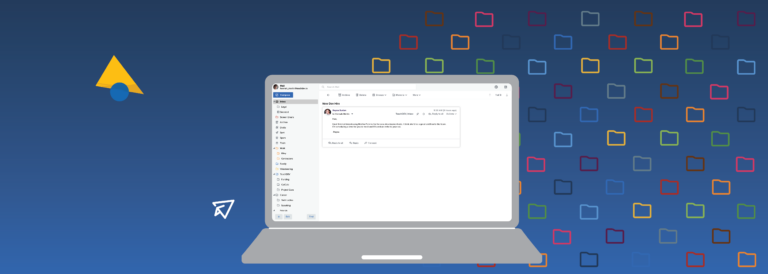
Fastmail Folders are the perfect organization tool for customers that love an empty inbox. Moving messages into customized folders is a quick way to keep your inbox tidy.

Fastmail CTO, Rik Signes, and Backend Team Lead, Matthew Horsfall, joined world-class open-source developers at the annual Perl Toolchain Summit.